Get Started with Fire and Gas Mapping
A free 10-day evaluation of Detect3D® is available for all registered users. Click the button at right to get started with Detect3D® today.
System Requirements
- Microsoft .NET 10, available here
- Windows 11, Windows 10 (21H2 and newer), and Windows Server (2012 through 2025)
- 64-bit architecture
- Minimum Hardware: 1.5 GHz or higher with 8GB RAM, integrated graphics, 2GB hard disk space available.
- Recommended Hardware: 2.3 GHz or higher with 16GB RAM, 2GB dedicated graphics, 2GB hard disk space available.

Additional Material for Download
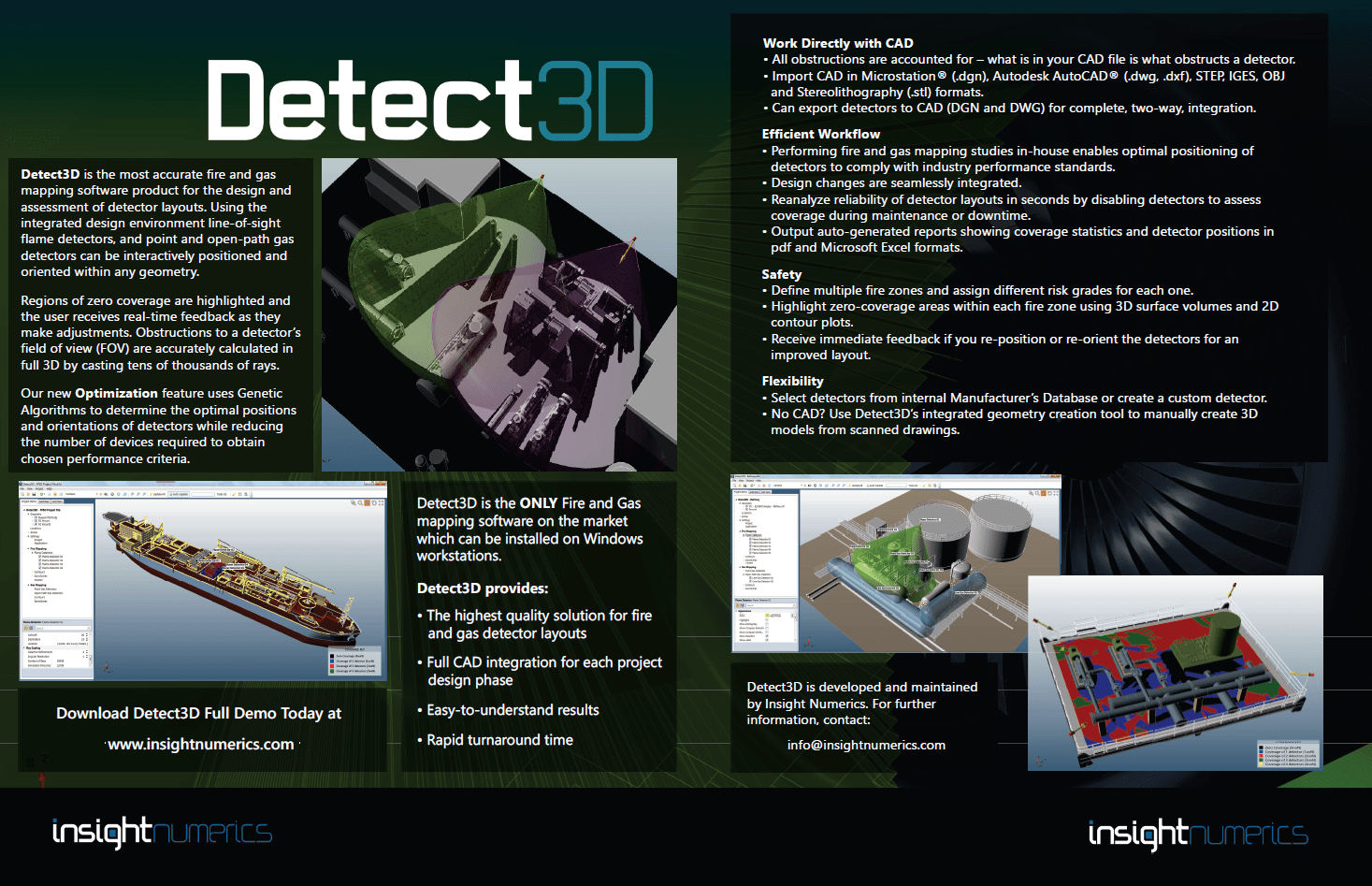
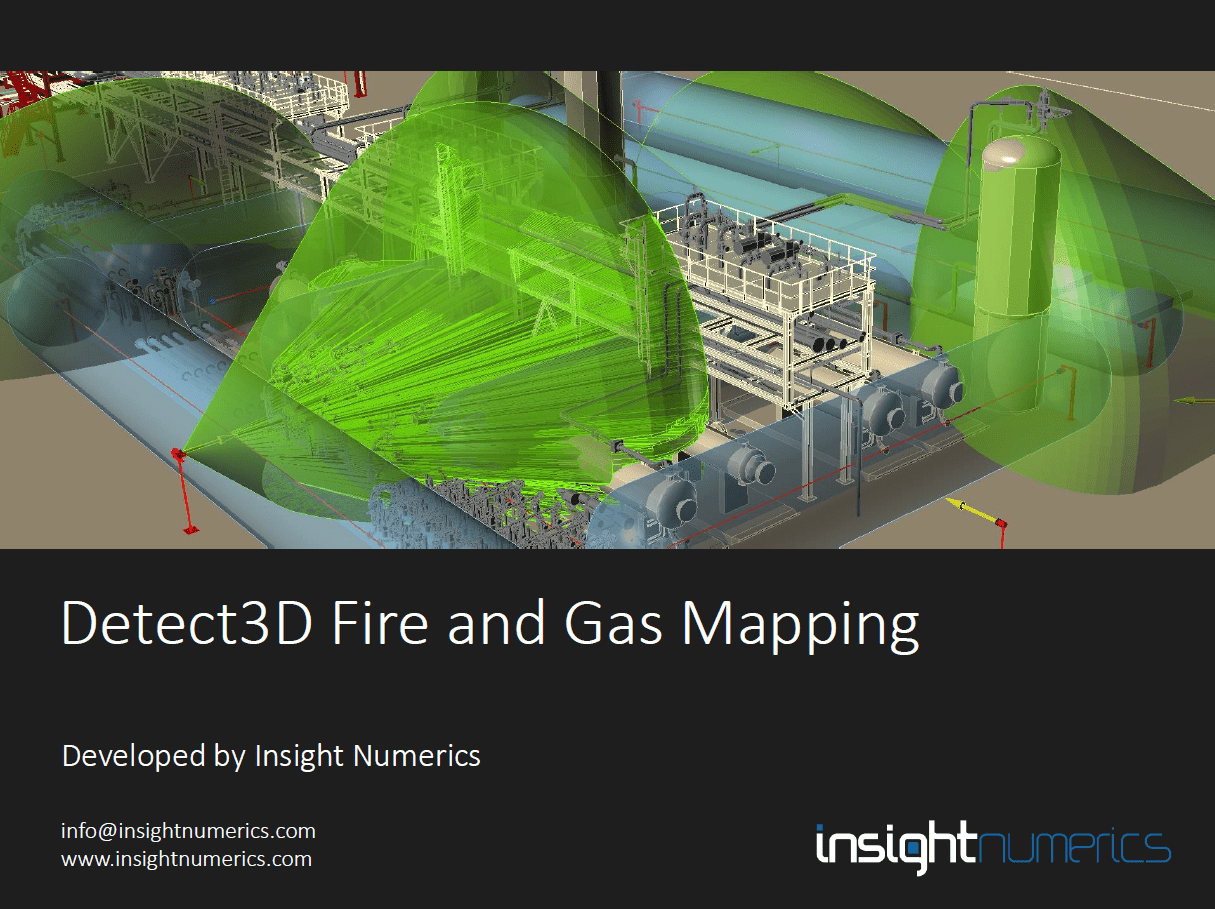
We have provided some of our marketing and sales material below. Feel free to download a copy to learn more about Detect3D® and its capabilities.